
Key facts
Start here
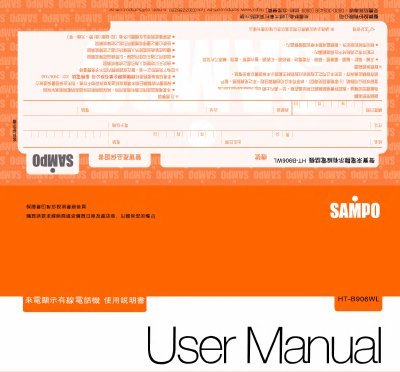
Sampo HT-B906WL Telephone User Manual
This manual provides instructions for using the Sampo HT-B906WL telephone, including setup, call display service, date/time settings, and dialing options. It also covers features like call logging, caller ID, and security settings. The guide includes troubleshooting steps for common issues and contact information for after-sales support.
The phone supports features such as automatic IP setting, call forwarding, and call blocking. Users can configure local area codes, outgoing call codes, and ring volume. The manual also explains how to handle missed calls, manage call logs, and perform basic maintenance. This manual is written in Chinese.
Sampo HT-B906WL specifications
| Dimensions (W×H×D) | 190 × 75 × 68 mm |
|---|---|
| Country of Manufacture | China |
| DTMF High‑frequency Group | 1209/1336/1477/1633 Hz |
| DTMF Low‑frequency Group | 697/770/852/941 Hz |
| DTMF Frequency Tolerance | ±1.5 % |
All Sampo HT-B906WL documents by type
Day-to-day operation, settings and troubleshooting. Start here if the product is already set up.
Questions answered in these manuals
How do I set the local area code?
Enter the local area code by pressing the 'Settings' key, then use the 'Call' key to adjust each digit. Confirm with the 'Settings' key.
What should I do if the phone doesn't work properly?
Check the phone line connection, ensure the phone is not in a humid or high-temperature environment, and verify that the telecom service is active. If the issue persists, contact your dealer.
How do I set the date and time on the telephone?
Press the “设置” (Set) key; the screen shows SEENSREE indicating date‑time setting mode, then use the “来电” key to adjust year, month, day, hour and minute.
What should I do if caller ID does not display incoming numbers?
Check whether the local telecom provider offers caller ID service; if not, contact the provider at 4121111 (no area code) and follow the prompts, or ensure no external devices (switches, anti‑theft units) are interfering.