
Key facts
Start here
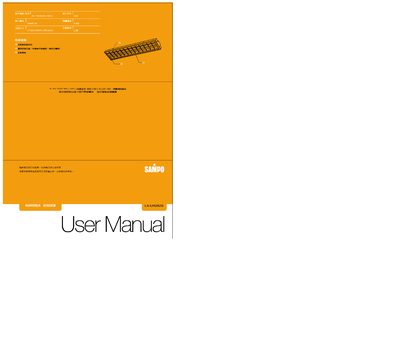
Sampo LX-UR282B Light Fixture User Manual
This manual explains how to install the Sampo LX-UR282B classroom lighting fixture. It covers mounting the unit to a ceiling or wall using fixed screws or a hanging pipe, connecting the power supply, and ensuring the fixture is powered off during installation.
The guide also details lamp replacement, reflector cleaning, safety precautions, and troubleshooting steps such as checking wiring and lamp contacts. Service contact information is provided for further assistance. This manual is written in Chinese.
Sampo LX-UR282 specifications
| Rated Voltage / Frequency | AC 110V/220V 60Hz |
|---|---|
| Input Current | 0.6A (110V) / 0.3A (220V) |
| Dimensions (L×W×H) | 1168 mm × 248 mm × 65 mm |
All Sampo LX-UR282 documents by type
Day-to-day operation, settings and troubleshooting. Start here if the product is already set up.
Questions answered in these manuals
How should the fixture be installed?
Mount the fixture to the ceiling or wall using fixed screws or a hanging pipe, then connect the power supply while the power is OFF.
How do you replace the lamp?
Insert the T5 28W lamp into the socket and rotate it about 90° to lock it in place.
What should I do if the lamp does not light up?
Check that the power cable is properly connected and undamaged, verify the lamp is correctly seated, and inspect the wiring for any faults. If the problem persists, contact service support.
How do I safely replace the light source?
Turn off the power and disconnect the fixture before removing the old lamp. Insert the new lamp, then restore power after confirming the installation.