
This manual contains information on installing the scanner. Please read this manual before installing the unit. For information on operating the scanner, please read the Operating Instructions on the CD-ROM enclosed with this unit. Please carefully read this manual, and keep this documentation in a safe place for future reference. Thank you for purchasing a Panasonic High Speed Color Scanner. • A versatile solution for your imaging needs, Panasonic developed Panasonic Image Enhancement Technology to improve the quality of your originals. • With our easy to use functions, reliable paper handling, easy maintenance and more, Panasonic is ready to contribute to your imaging needs.
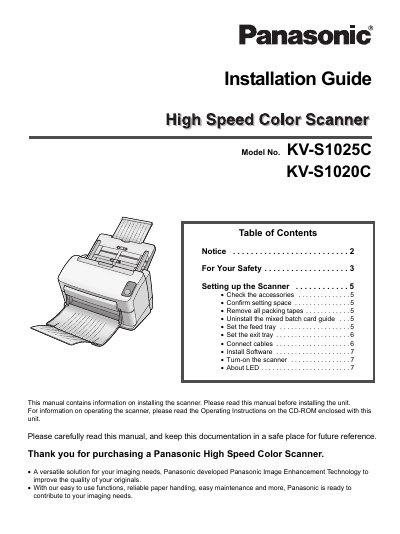
This Installation Guide provides instructions for setting up the Panasonic High Speed Color Scanner models KV-S1025C and KV-S1020C. It covers essential steps such as checking accessories, confirming the installation space, removing packing tapes, and uninstalling the mixed batch card guide if necessary. The guide also details how to set the feed and exit trays to ensure proper operation.
You must provide a clearance of 250 mm (9.8 in.) for the feed tray.
Do not store the roller cleaning paper where the temperature exceeds 40 °C (104 °F).
The replacement fuse must have a rating of 5 amps.