
Key facts
Start here
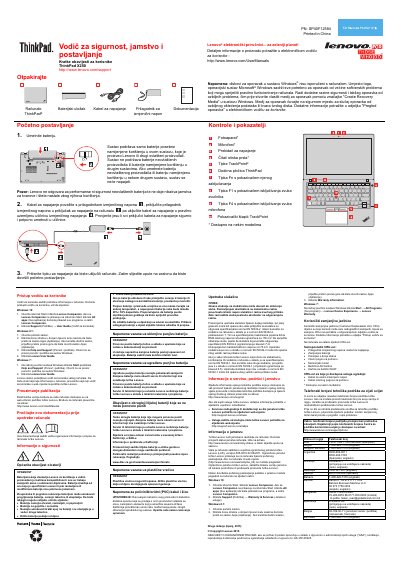
Lenovo ThinkPad X250 Safety, Warranty and Setup Guide
This document is a Croatian safety, warranty and setup guide for the Lenovo ThinkPad X250 laptop. It covers unpacking, initial setup, controls and indicators, accessing the user guide, downloading publications, safety information, service and warranty information, customer replaceable units and worldwide technical support phone numbers.
It also includes battery safety notices, headphone usage guidance, recovery media recommendations and instructions for contacting Lenovo support.
Lenovo X250 specifications
| Smart card reader length | 85.60 mm (3.37 inches) |
|---|---|
| Smart card reader width | 53.98 mm (2.13 inches) |
| Smart card reader thickness | 0.76 mm (0.03 inch) |
| German power‑cord type | H05VV‑F, 3G, 0.75 mm² |
Source: Lenovo X250 Laptop User Guide
All Lenovo X250 documents by type
The shortest path to a working setup, usually only a few pages.
Day-to-day operation, settings and troubleshooting. Start here if the product is already set up.
Questions answered in these manuals
How do I access the user guide in Windows 10?
Open the Start menu, click Lenovo Companion, then click Support and User Guide.
Which customer replaceable units are self-service CRUs?
Self-service CRUs include the AC adapter and power cord, removable battery, bottom cover, internal storage drive, memory module, wireless LAN card and, on some models, the wireless WAN card.
Does the ThinkPad X250 come with Windows recovery discs?
No, the computer is not delivered with Windows recovery discs. Users must create their own recovery media using the Windows 'Create Recovery Media' function.
What items are included in the ThinkPad X250 computer package?
The package includes the computer, a battery module, a power cable, an AC power adapter, documentation, and optionally a wireless LAN or WAN card depending on the model.