
Key facts
- Brand
- Lenovo
- Model
- T450s
- Category
- Laptops
- Industry
- Electronics
- Documents
- 2
- Languages
- ZH · NB
- Last added
- 2026-11-20
Start here
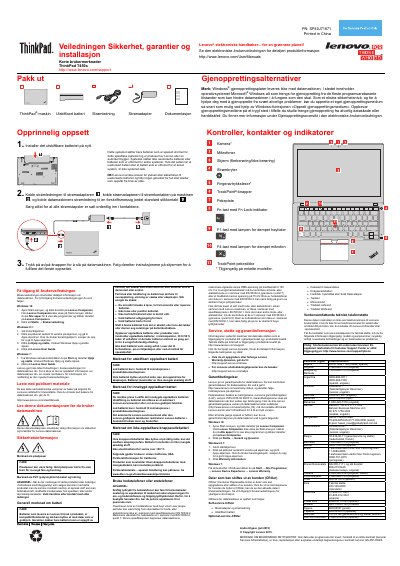
Lenovo ThinkPad T450s User Manual
This Lenovo user manual provides setup and safety information for the ThinkPad T450s computer. It covers unpacking, recovery options, initial setup, and accessing the electronic user guide through Lenovo Companion on Windows 7, 8.1, and 10.
The document also includes warranty terms, customer replaceable units (CRUs), battery safety notices, headphone usage warnings, and worldwide technical phone support contact information.
Lenovo T450s specifications
| Headphone maximum output voltage | 150 mV |
|---|---|
| Button cell battery maximum temperature | 100 °C |
| Rechargeable battery storage charge level | 30 to 50 percent |
All Lenovo T450s documents by type
Disassembly, diagnostics and part numbers, for repair.
Day-to-day operation, settings and troubleshooting. Start here if the product is already set up.
Questions answered in these manuals
What is the maximum weight a technician should lift alone?
Technicians should not attempt to lift any object that weighs more than 16 kg (35 lb).
What safety glasses are required for hazardous tasks?
Safety glasses must be worn when hammering, drilling, soldering, cutting wire, attaching springs, using solvents, or working in other hazardous conditions.
How do I open the user guide on Windows 10?
Open the Start menu, click Lenovo Companion, then click Support → User Guide.
Can I replace the built-in battery myself?
No, replacement must be done by an authorized Lenovo service center or Lenovo-approved technician.