
Key facts
Start here
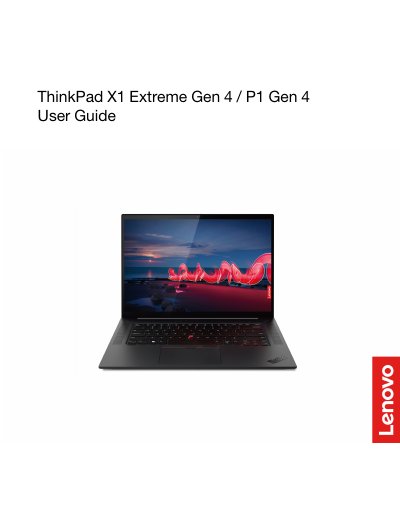
Lenovo ThinkPad X1 Extreme Gen 4 / P1 Gen 4 Notebook User Guide
This user guide covers the Lenovo ThinkPad X1 Extreme Gen 4 and P1 Gen 4 notebooks. It describes front, side, and bottom views, features and specifications, USB connectors, and selected-model options.
It also explains network access, keyboard and pointing-device use, Lenovo apps, power management, security settings, UEFI BIOS and RAID configuration, customer-replaceable unit replacement, and support resources.
Lenovo X1 Extreme Gen 4 / P1 Gen 4 specifications
| Memory | Two slots, DDR4 SODIMM, up to 32 GB each, up to 64 GB total |
|---|---|
| Storage (two slots) | 2280 M.2 solid-state drive, up to 2 TB each, up to 4 TB total |
| Storage (one slot) | 2280 M.2 solid-state drive, up to 2 TB |
| Display ratio | 16:10 |
| Display resolution | 2560 x 1600 pixels or 3840 x 2400 pixels |
| Operating temperature | 5 C to 35 C (41 F to 95 F) |
| Maximum altitude | 3048 m (10 000 ft) |
| USB-C charging output | 5 V and 3 A |
Source: Lenovo ThinkPad X1 Extreme Gen 4 / P1 Gen 4 Notebook User Guide
All Lenovo X1 Extreme Gen 4 / P1 Gen 4 documents by type
Day-to-day operation, settings and troubleshooting. Start here if the product is already set up.
Questions answered in these manuals
How can I reset the computer if it stops responding?
Disconnect the computer from ac power, insert a straightened paper clip into the emergency-reset hole, then connect ac power and turn on the computer.
From: Lenovo ThinkPad X1 Extreme Gen 4 / P1 Gen 4 Notebook User Guide
Where can I find detailed specifications for my computer?
Go to https://psref.lenovo.com and search by product.
From: Lenovo ThinkPad X1 Extreme Gen 4 / P1 Gen 4 Notebook User Guide
How do I reset the computer if it stops responding?
Disconnect the AC power, insert a straightened paperclip into the emergency reset hole to cut power, reconnect AC power, and turn on the computer.
From: Lenovo ThinkPad X1 Extreme Gen 4 / P1 Gen 4 Series User Guide
What is the minimum battery temperature for charging?
The temperature must not be lower than 10 °C (50 °F) when charging the battery.
From: Lenovo ThinkPad X1 Extreme Gen 4 / P1 Gen 4 Series User Guide