
Key facts
- Brand
- HP
- Model
- M1319
- Documents
- 3
- Languages
- ZH · EN
- Last added
- 2011-11-19
Start here
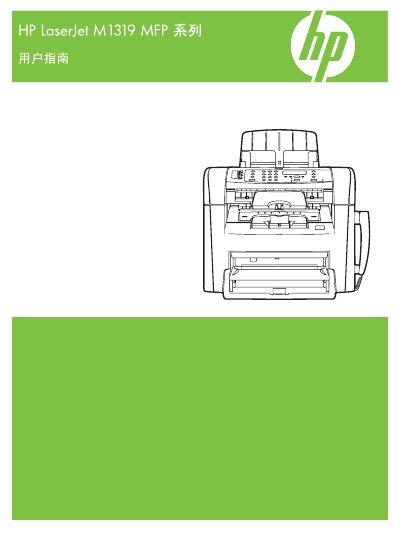
HP LaserJet M1319 MFP Owner's Manual
This manual covers the HP LaserJet M1319 MFP series printer, detailing its hardware layout, control panel functions, and supported software for Windows and Macintosh systems. It includes information on paper handling, printing, copying, scanning, faxing, and troubleshooting.
The guide also explains how to install the device, configure connections, manage consumables, and perform routine maintenance. Appendices provide specifications, regulatory information, and part numbers for service reference. This manual is written in Chinese.
HP M1319 specifications
| Part Number | CB536-90994 |
|---|---|
| Supported Paper Size (Letter) | 216 x 279 mm |
| Supported Paper Size (A4) | 210 x 297 mm |
| Supported Paper Size (Legal) | 216 x 356 mm |
All HP M1319 documents by type
Day-to-day operation, settings and troubleshooting. Start here if the product is already set up.
Questions answered in these manuals
How can I test the automatic document feeder (ADF)?
Load the configuration report into the ADF and press the Start Copy button.
What steps are required to receive a fax when the handset rings?
Answer the phone, wait for the fax tones to be detected and the product to pick up the fax, then hang up the handset once the line is silent.