
The HP LaserJet M1319 MFP Series User Guide provides information on the basic information, features, overview, control panel, usage of Windows and Macintosh software, connection methods, understanding and use of paper and print media, and printing task operations.
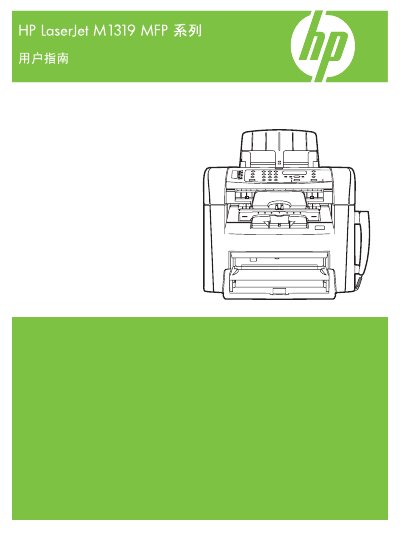
This user guide covers the HP LaserJet M1319 MFP series multifunction product. It describes the control panel, Windows and Macintosh software, USB connection, paper and print media handling, and printing tasks.
It also includes instructions for copying, scanning, faxing, managing supplies and firmware, troubleshooting problems, ordering accessories, warranty and support information, product specifications, and regulatory notices. This manual is written in Chinese.
| Supported paper size | Letter 216 x 279 mm |
|---|---|
| Supported paper size | A4 210 x 297 mm |
| Supported paper size | Legal 216 x 356 mm |
| Custom media size, minimum | 76 x 127 mm |
| Custom media size, maximum | 216 x 356 mm |
| Supported envelope | 10 号信封 105 x 241 毫米 |
| Supported postcard | Envelope DL 110 x 220 毫米 |
| Document part number | CB536-90994 |
Supported sizes include Letter (216 x 279 mm), Legal (216 x 356 mm), A4 (210 x 297 mm), Executive, A3, A5, A6, B5 (JIS), several 16k sizes, 8.5 x 13, 4 x 6, 5 x 8, and 10 x 15 cm.
The minimum custom size is 76 x 127 mm and the maximum is 216 x 356 mm.
The guide describes connecting the product directly to a computer using USB.
Use HP paper and print media designed for laser printers, and do not use media designed for inkjet printers.