
Key facts
Start here
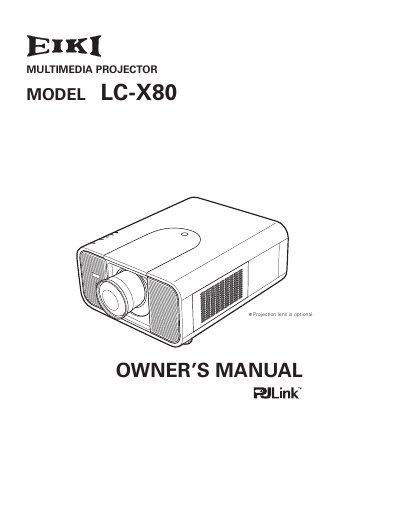
EIKI LC-X80 Multimedia Projector Owner's Manual
The EIKI LC-X80 is a multimedia projector designed with advanced technology for portability, durability, and ease of use. It features matrix LCD technology capable of displaying 1.07 billion colors and includes built-in multimedia functions such as digital zoom, power management, and network control capabilities via an optional adapter.
Read onlineEIKI LC-X80 specifications
| Weight | 11.7 kg |
|---|---|
| Operating Temperature | 41 °F–104 °F (5 °C–40 °C) |
| Video Inputs | 1 × DVI‑D, 1 × mini D‑sub 15‑pin, 5 × BNC, 1 × RCA, 1 × mini DIN, 1 × USB, 1 × serial |
All EIKI LC-X80 documents by type
Day-to-day operation, settings and troubleshooting. Start here if the product is already set up.
Questions answered in these manuals
What is the maximum resolution this projector can accept?
The projector can accept up to UXGA resolution.
How many languages are available for the menu display?
The operation menu is available in 12 languages.
How many languages does the menu support?
The projector offers menus in twelve languages: English, German, French, Italian, Spanish, Portuguese, Dutch, Swedish, Russian, Chinese, Korean and Japanese.
What safety features lock the projector?
The projector can be locked with a key‑lock and a password‑lock to prevent unauthorized operation.