
Key facts
Start here
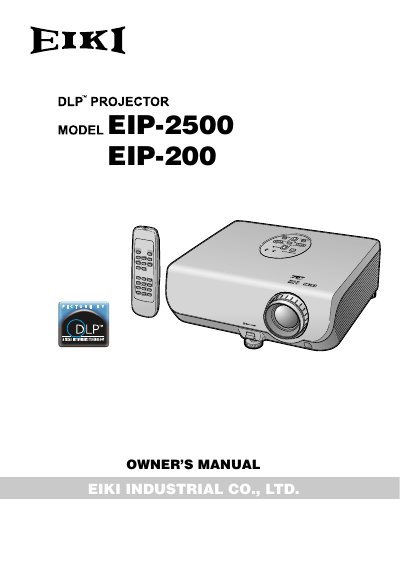
EIKI EIP-2500/EIP-200 Projector Owner's Manual
This Owner's Manual covers the EIKI EIP-2500 and EIP-200 projectors, detailing their features, safety precautions, and basic operations. It includes instructions for turning the unit on and off, adjusting the projected image, and connecting various input sources such as computers and video equipment. The guide also explains how to use the remote control and navigate the on-screen menu system for picture and sound adjustments.
Read onlineEIKI EIP-25 specifications
| Resolution | XGA(1024*768), SXGA(1280*1024) compressed |
|---|---|
| Lamp | 250W User Replaceable VIP Lamp |
| Brightness | 2500 Lumens |
| Weight | 7.5 lbs |
| Projection distance | 1.4m--12m |
| Zoom ratio | 1.2:1 (Manual Zoom/Focus) |
| Contrast ratio | 1800: 1 |
Source: EIKI EIP-25 Multimedia Projector Owner's Instruction Manual
All EIKI EIP-25 documents by type
Day-to-day operation, settings and troubleshooting. Start here if the product is already set up.
Questions answered in these manuals
How do I replace the lamp module?
Turn the projector off and unplug the power cord, then wait 1 hour before opening the lamp door.
From: EIKI EIP-25 Multimedia Projector Owner's Instruction Manual
What are the supported video compatibility standards?
The projector is compatible with NTSC / PAL / SECAM.
From: EIKI EIP-25 Multimedia Projector Owner's Instruction Manual
What fuse rating is required for the UK mains plug?
A BSI or ASTA approved BS 1362 fuse marked or of the same rating as indicated on the pin face of the plug, which is 10A.
How should the projector be turned off to prevent lamp failure?
Always use the STANDBY button on the projector or remote control to ensure the cooling fan stops before disconnecting the power cord.