
Key facts
- Brand
- EIKI
- Model
- EIP-4500
- Industry
- Electronics
- Documents
- 2
- Languages
- EN
- Last added
- 2012-07-12
Start here
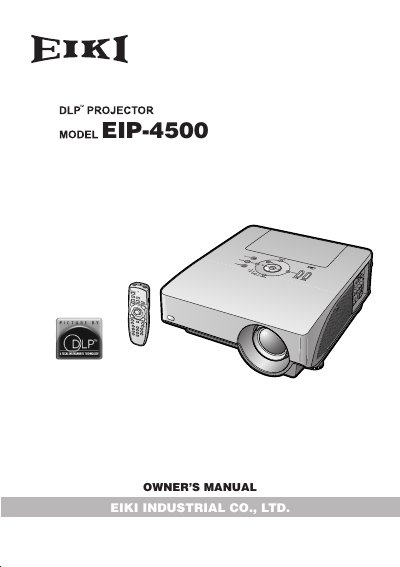
EIKI EIP-4500 DLP Projector Owner's Manual
The document is the owner's manual for the EIKI EIP-4500 DLP Projector. It covers essential information including warranty details, consumer product safety acts, and specific warnings regarding high brightness light sources and electrical hazards.
Key operational notes include instructions on using the STANDBY-ON button to allow the cooling fan to stop before disconnecting power, preventing premature lamp failure. The manual also addresses user concerns such as inactive pixels within acceptable tolerances due to the DMD panel technology.
All EIKI EIP-4500 documents by type
Day-to-day operation, settings and troubleshooting. Start here if the product is already set up.
Questions answered in these manuals
What happens if you disconnect the power cord while the projector is running?
Failure to observe this will result in premature lamp failure because the cooling fan continues to run for about 90 seconds after entering standby mode.
Does the EIKI EIP-4500 have inactive pixels?
Yes, this unit has some inactive pixels within acceptable tolerances which may result in inactive dots on the picture screen.
What is the standard throw distance ratio for the projector with the standard zoom lens?
The throw distance ratio is 1:1.8–2.2.
What is the minimum projection distance for a 100-inch screen in 4:3 normal mode?
The minimum projection distance is 4.0 m (13' 1").