
Key facts
Start here
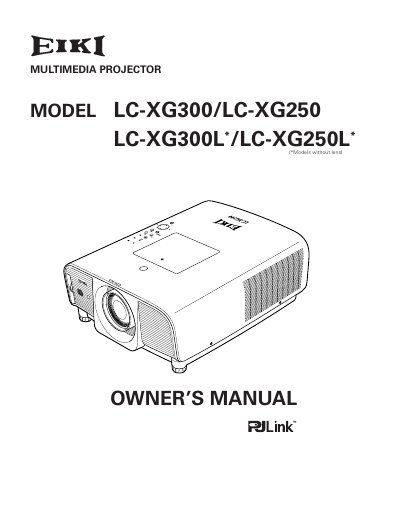
EIKI LC-XG300/LC-XG250 LC-XG300L * /LC-XG250L * user manual
The EIKI LC-XG300/LC-XG250 Series Multimedia Projector is designed with a compact form factor to facilitate easy transport and installation in various locations. It features a rich set of functions including lens shifting, ceiling and rear projection capabilities, and support for up to UXGA resolution via its Multi-scan system.
Read onlineAll EIKI LC-XG250L documents by type
Day-to-day operation, settings and troubleshooting. Start here if the product is already set up.
Questions answered in these manuals
What is the minimum space required on the top, sides, and rear of the projector cabinet?
The minimum space required is 0.7 feet (20 cm) on the top, 1.5 feet (50 cm) on the sides, and 3 feet (1 m) on the rear.
From: EIKI LC-XG300/LC-XG250 LC-XG300L/LC-XG250L Multimedia Projector Quick Reference Guide
How many degrees can the projector be tilted from side to side without reducing lamp life?
The projector should not be tilted more than 10 degrees from side to side.
From: EIKI LC-XG300/LC-XG250 LC-XG300L/LC-XG250L Multimedia Projector Quick Reference Guide
What languages are available for the menu display?
The operation menu is available in 12 languages: English, German, French, Italian, Spanish, Portuguese, Dutch, Swedish, Russian, Chinese, Korean, and Japanese.
From: EIKI LC-XG300/LC-XG250 LC-XG300L * /LC-XG250L * user manual
Can the projector be used as a computer mouse?
Yes, the remote control can be used as a PC wireless mouse with eight remote control codes and selectable pointer shapes.
From: EIKI LC-XG300/LC-XG250 LC-XG300L * /LC-XG250L * user manual