
Key facts
Start here
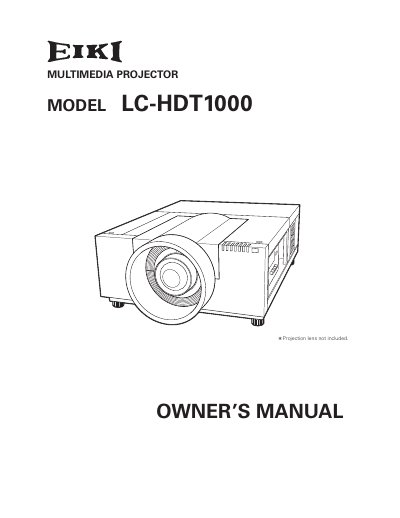
EIKI LC-HDT1000 Multimedia Projector Owner's Manual
The EIKI LC-HDT1000 is a multimedia projector designed with advanced technology for portability and ease of use. It features matrix liquid crystal display (LCD) technology capable of displaying 1.07 billion colors, along with motor-driven lens shift for flexible positioning.
This document covers the complete operation of the device, including setup, menu navigation, and troubleshooting. It also details maintenance procedures such as filter replacement and lamp management to ensure optimal performance.
All EIKI LC-HDT10 documents by type
Day-to-day operation, settings and troubleshooting. Start here if the product is already set up.
Questions answered in these manuals
What safety precaution is required when cleaning the projector?
You must unplug the projector from the AC power supply before cleaning it.
From: EIKI LC-HDT10 Multimedia Projector Owner's Instruction Manual
What is the minimum distance required for air circulation on the sides and top?
A minimum distance of 50cm is required on the sides and top of the projector.
From: EIKI LC-HDT10 Multimedia Projector Owner's Instruction Manual
What languages are available for the operation menu?
The projector supports 12 languages including English, German, French, Italian, Spanish, Portuguese, Dutch, Swedish, Russian, Chinese, Korean, and Japanese.
Can the projector be controlled remotely?
Yes, the projector includes a wired LAN function to control and set up the device remotely via network.