
This manual introduces the features and usage of LC-X80 multimedia projector.
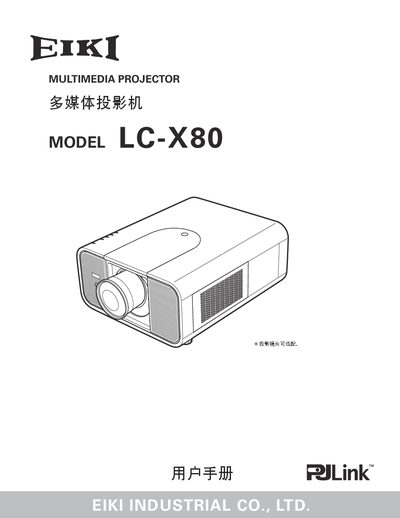
This manual covers all aspects of using the LC‑X80 projector, from safety precautions and proper placement to detailed instructions for connecting video sources, adjusting image geometry, and configuring multilingual menus. It also includes troubleshooting tips and a full list of technical specifications.
Additional sections describe lamp and filter maintenance, remote‑control functions, optional accessories, and serial‑port command protocols for advanced control. The document is written in Chinese with English terms for key components and includes contact information for EIKI worldwide support.
| Weight | 11.7 kg |
|---|---|
| Operating Temperature | 41 °F–104 °F (5 °C–40 °C) |
| Video Inputs | 1 × DVI‑D, 1 × mini D‑sub 15‑pin, 5 × BNC, 1 × RCA, 1 × mini DIN, 1 × USB, 1 × serial |
The projector offers menus in twelve languages: English, German, French, Italian, Spanish, Portuguese, Dutch, Swedish, Russian, Chinese, Korean and Japanese.
The projector can be locked with a key‑lock and a password‑lock to prevent unauthorized operation.
It provides one DVI‑D digital input, one mini D‑sub analog input, five BNC connectors, one RCA connector, one mini‑DIN, one USB and one serial port.