
This document provides instructions on how to set up and operate a Dell computer.
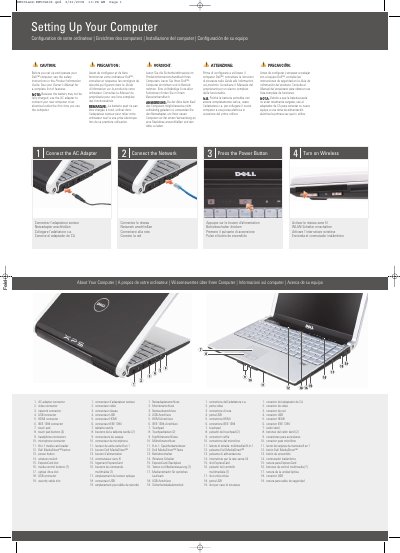
This document provides initial setup instructions for the Dell XPS 1330 computer. It details how to connect the AC adapter, identify computer ports and buttons, and turn on the device. A caution is noted regarding the battery charge level upon first use.
You must use the AC adapter to connect the computer to an electrical outlet to charge the battery.
A complete list of features is located in the Owner's Manual.
You must see the safety instructions in the Product Information Guide before setting up and operating the computer.