
Key facts
Start here
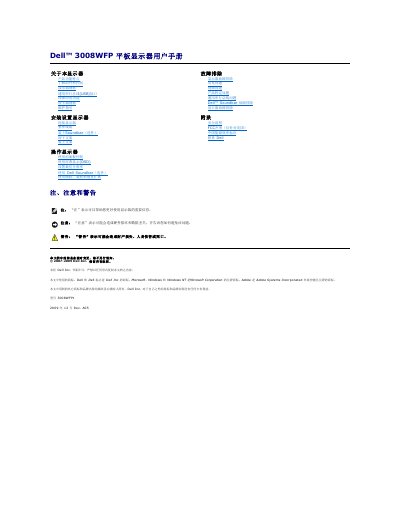
Dell 3008WFP Flat Panel Monitor User's Guide
This document is the user manual for the Dell 3008WFP flat panel monitor. It provides instructions on setting up the monitor, connecting cables, and using the front panel controls and On-Screen Display (OSD) to adjust settings like resolution and brightness. The guide also details the monitor's features, including its 30-inch screen size, various video input support, and built-in USB hub and card reader capabilities. This manual is written in Chinese.
Read onlineDell 3008WFP specifications
| Viewable Area | 30-inch (756.228 mm) |
|---|---|
| Resolution | 2560 x 1600 |
| Power Consumption (Normal) | 163 W (typical) |
| Power Consumption (Active-off) | Less than 2 W |
| Power Consumption (Off) | Less than 1 W |
| USB Speed | High-Speed Certified USB 2.0 |
| Card Reader Slots | 9-in-2 |
All Dell 3008WFP documents by type
Day-to-day operation, settings and troubleshooting. Start here if the product is already set up.
Questions answered in these manuals
What is the maximum power consumption of the monitor?
The maximum power consumption in normal operation with the Dell Soundbar and USB active is 250 W.
Does the monitor support Plug and Play?
Yes, the monitor automatically provides the computer system with its Extended Display Identification Data (EDID) using Display Data Channel (DDC) protocols.
What is the best preset resolution for the Dell 3008WFP?
The best preset resolution is 1920 x 1200 at 60 Hz for analog signals and 2560 x 1600 at 60 Hz for digital signals.
What types of memory cards does the card reader support?
The card reader supports Compact Flash, xD, Memory Stick, SD, MMC, and TransFlash cards.