
Dell XPS 1330 Computer Setup Guide

A setup guide for Dell™ computers.
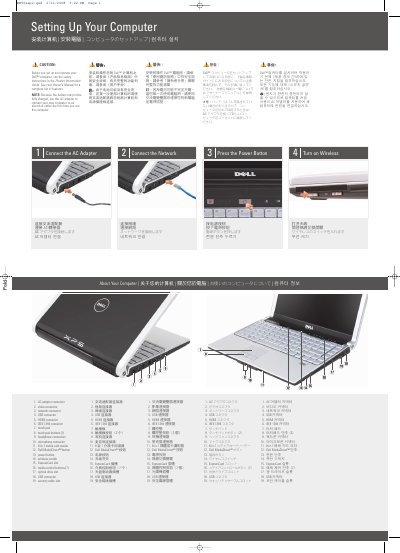

Dell XPS 1330 Computer Setup Guide - cover page
Brand
DELL
Category
Laptops
Document type
User Manual
Language
English
Pages
2
File format
PDF
File size
413 KB
Published
20 November, 2023
Updated
20 November, 2023
MD5 checksum
8EC8520D080D32844AC2F5BE53B9F118

About this manual

This document serves as a setup guide for the Dell XPS 1330 portable computer. It includes a diagram identifying key ports and buttons on the device, such as the AC adapter connector, video connector, network connector, USB ports, HDMI, IEEE 1394, touch pad, media card reader, and security cable slot. It also lists the media control buttons and the Dell MediaDirect button.

What's inside

  • Setting Up Your Computer
  • About Your Computer
  • Connect the Network
  • Press the Power Button
  • Turn on Wireless
Download PDF (413 KB)

More DELL Manuals


View all DELL manuals →