
Key facts
Start here
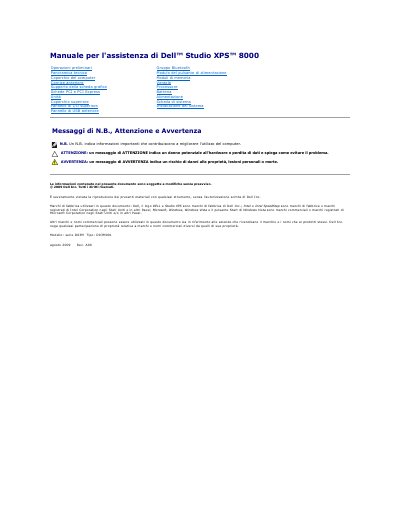
Dell Studio XPS 8000 Service Manual
This service manual describes removal and installation procedures for components in the Dell Studio XPS 8000 desktop computer, identified in the document as model series D03M, type D03M001. It covers preliminary operations, safety instructions, shutdown steps, recommended tools, and procedures for parts such as the computer cover, front bezel, Bluetooth module, memory modules, processor, power supply, and system board.
The manual states that full technical specifications are available separately as Comprehensive Specifications on Dell's support website. It also states that only a qualified service technician should perform repairs and that unauthorized maintenance is not covered by the warranty. This manual is written in Italian.
All Dell Studio XPS 8000 documents by type
Disassembly, diagnostics and part numbers, for repair.
Questions answered in these manuals
What should I do before working inside the Dell Studio XPS 8000?
Shut down the computer, disconnect cables and peripherals, remove flash cards, and press the power button to ground the system board.
Which tools are recommended for the procedures?
A small flat-blade screwdriver, small Phillips screwdriver, flat plastic scribe, and the BIOS update executable from support.dell.com.
What equipment may be needed for the procedures?
The listed equipment includes a small flathead screwdriver, a small Phillips screwdriver, and a plastic pry tool.
What should you do before shutting down the computer?
Save and close all open files and close all open programs.
What tools may be needed to service the Dell Studio XPS 8000?
The procedures may require a small flat-blade screwdriver, a small Phillips screwdriver, a plastic scribe, and a BIOS executable update program.
How should the computer be turned off before service?
Save and close all open files, exit all open programs, shut down the computer through Windows, and ensure it is turned off.