
Key facts
Start here
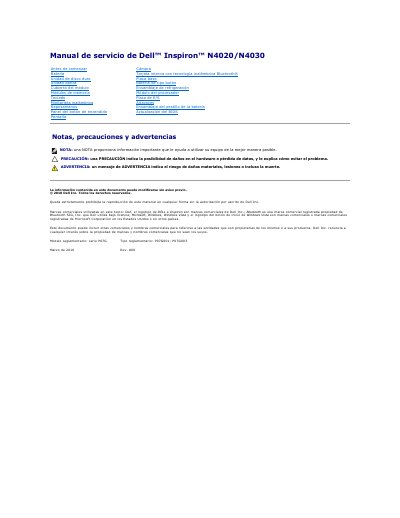
Dell Inspiron N4020/N4030 Service Manual
This manual describes procedures for removing and installing components of the Dell Inspiron N4020/N4030. It assumes the equipment has been shut down and the interior-handling precautions have been followed.
It lists recommended tools and safety precautions, including electrostatic discharge precautions and the requirement that only a certified technician perform repairs. This manual is written in Spanish.
All Dell N4020 documents by type
Disassembly, diagnostics and part numbers, for repair.
Questions answered in these manuals
Who should perform repairs on this computer?
Only a certified technician should perform repairs, and the warranty does not cover damage from unauthorized repairs.
What tools may be needed for the procedures?
The procedures may require a small flat-blade screwdriver, a Phillips screwdriver, a plastic scribe, and a BIOS update executable.
What tools are recommended for this service manual?
The manual recommends a small flat-blade screwdriver, a Phillips screwdriver, a plastic scribe, and a BIOS executable update program.
What should I do before working inside the computer?
You must read the safety information, ground yourself to avoid electrostatic discharge, remove the main battery, and ensure the computer is turned off.
What tools may be needed for the procedures?
The procedures may require a small flat-blade screwdriver, a Phillips screwdriver, a plastic scribe, and the BIOS update executable available from support.dell.com.
How should the computer be shut down before service?
Save and close all open files, exit open programs, then shut down Windows Vista or Windows 7 from the Start menu; if it does not shut down automatically, press and hold the power button.