
Dell Inspiron N4020/N4030 Service Manual

The Dell™ Inspiron™ N4020/N4030 Service Manual provides information on how to use and maintain your Dell™ Inspiron™ N4020/N4030 laptop.
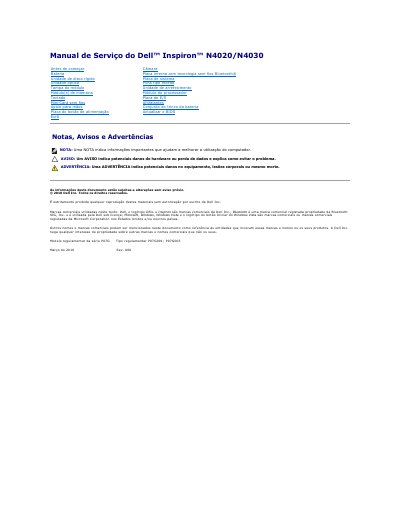

Dell Inspiron N4020/N4030 Service Manual - cover page
Brand
DELL
Category
Laptops
Document type
Service Manual
Language
Portuguese
Pages
45
File format
PDF
File size
1.1 MB
Published
19 November, 2023
Updated
19 November, 2023
MD5 checksum
41EC2674E02B740C96D513670CEE1EC8

About this manual

This document is a service manual for the Dell Inspiron N4020 and N4030 laptop series. It provides detailed instructions for qualified technicians on how to safely remove and install internal components, including the battery latch assembly, module cover, hard drive, optical drive, and system board. The manual emphasizes safety precautions, such as discharging static electricity and removing the main battery before working inside the computer. This manual is written in Portuguese.

What's inside

  • Antes de começar
  • Retirar a tampa do módulo
  • Voltar a colocar a tampa do módulo
  • Retirar o conjunto do trinco da bateria
  • Voltar a colocar o conjunto do trinco da bateria
  • Retirar a placa de sistema
  • Voltar a colocar a placa de sistema
  • Remover a bateria
  • Colocar de novo a bateria
  • Actualizar o BIOS
Download PDF (1.1 MB)

More DELL Manuals


View all DELL manuals →