
Key facts
- Brand
- DELL
- Model
- LTO4-120HH
- Category
- Storage devices
- Documents
- 2
- Languages
- EN
- Last added
- 2023-11-20
Start here
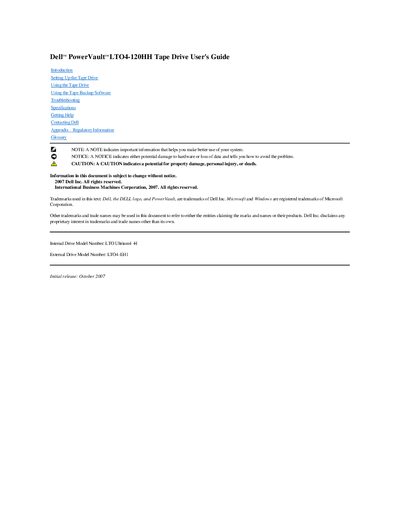
Dell PowerVault LTO4-120HH Tape Drive User's Guide
Dell PowerVault LTO4-120HH Tape Drive User's Guide is a user manual for the Dell PowerVault LTO4-120HH tape drive. Its contents include introduction, setup, using the drive, using tape backup software, troubleshooting, specifications, getting help, contacting Dell, regulatory information, and a glossary.
The guide identifies the internal drive model number as LTO Ultrium4-H and the external drive model number as LTO4-EH1. It also includes Dell contact information and regulatory information.
All Dell LTO4-120HH documents by type
Day-to-day operation, settings and troubleshooting. Start here if the product is already set up.
Questions answered in these manuals
What is the internal drive model number?
The internal drive model number is LTO Ultrium4-H.
What is the external drive model number?
The external drive model number is LTO4-EH1.
What are the internal and external drive model numbers for the Dell PowerVault LTO4-120HH tape drive?
The internal drive model number is LTO Ultrium4-H and the external drive model number is LTO4-EH1.
What does a NOTE indicate in this guide?
A NOTE indicates important information that helps you make better use of your system.