
The Dell™ Inspiron™ N4020/N4030 Service Manual provides information on how to service the Dell™ Inspiron™ N4020/N4030 notebook.
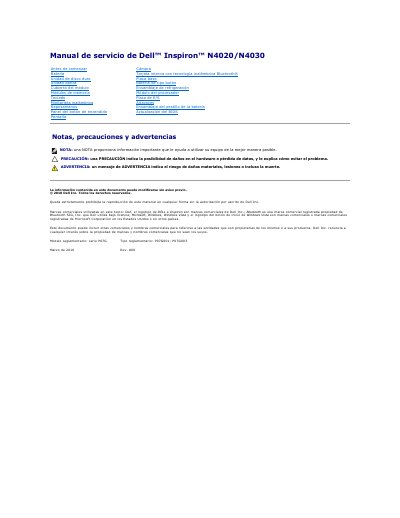
This manual describes procedures for removing and installing components of the Dell Inspiron N4020/N4030. It assumes the equipment has been shut down and the interior-handling precautions have been followed.
It lists recommended tools and safety precautions, including electrostatic discharge precautions and the requirement that only a certified technician perform repairs. This manual is written in Spanish.
| Regulatory model | series P07G |
|---|---|
| Regulatory type | P07G001; P07G003 |
Only a certified technician should perform repairs, and the warranty does not cover damage from unauthorized repairs.
The procedures may require a small flat-blade screwdriver, a Phillips screwdriver, a plastic scribe, and a BIOS update executable.
Save and close all open files, exit all active programs, and shut down the operating system; if it does not shut down automatically, hold the power button until it turns off.