
Quick start guide for installing, mounting, and configuring Cisco Small Business 300 Series Managed Switches.
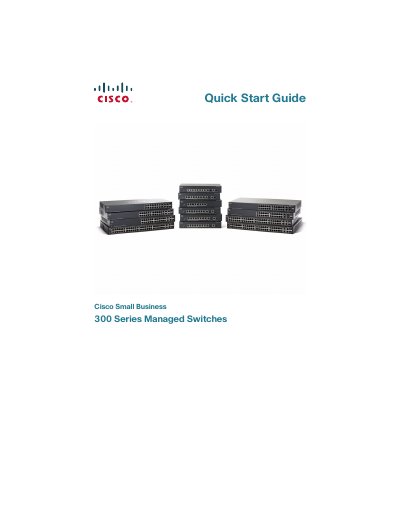
This guide walks you through unpacking the Cisco Small Business 300 Series Managed Switch, mounting options (flat surface, wall, or 19‑inch rack), and connecting network devices. It also covers power‑over‑Ethernet (PoE) capabilities, safety considerations, and required accessories.
Instructions for initial configuration are provided, including accessing the web‑based interface using the default IP address 192.168.1.254, logging in with the default credentials, and changing the password. Console‑port setup, LED indicators, and resetting the device to factory defaults are also described.
| Maximum ambient temperature (standard models) | 104 °F (40 °C) |
|---|---|
| Maximum ambient temperature (high‑temp models) | 122 °F (50 °C) |
| PoE power per standard port | 15.4 W |
| Default IP address | 192.168.1.254 |
The switch uses the factory default IP address of 192.168.1.254.