
This is the user's guide of ASUS Terminator K7, which introduces the features and characteristics of Terminator K7.
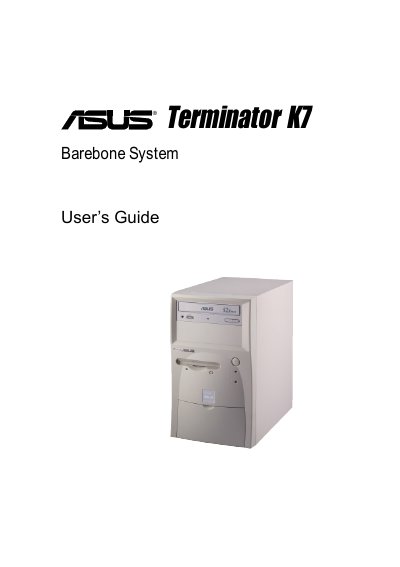
This guide walks you through the components included in the Terminator K7 package, explains front‑ and rear‑panel features, and details the step‑by‑step assembly process for the chassis, motherboard, power supply, and optional drives.
It also covers BIOS configuration, including how to load default settings, save changes, and exit the BIOS utility, helping you prepare the system for operating‑system installation and first use.
The package contains a system chassis, motherboard, switching power supply, 1.44 MB floppy drive, optional CD‑ROM drive, optional 56 K PCI modem card, support CD with drivers and utilities, and an installation guide.
Select the Load Setup Defaults option in the BIOS menu and confirm with Yes; the default values will be loaded into the non‑volatile RAM.