
Yaskawa V1000 MECHATROLINK-II Option Installation Manual

Installation guide for the Yaskawa V1000 MECHATROLINK-II Option (Model SI-T3/V), covering wiring, configuration, and troubleshooting.
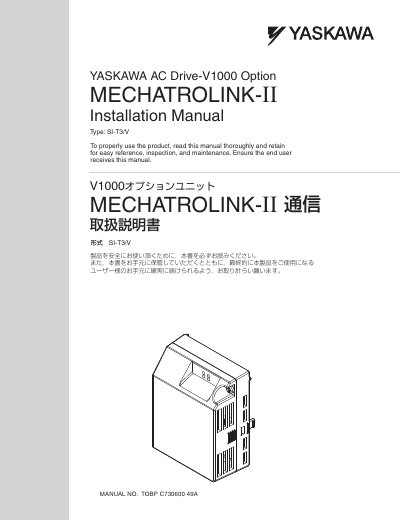

Yaskawa V1000 MECHATROLINK-II Option Installation Manual - cover page
Brand
YASKAWA
Category
Industrial Robot
Document type
Installation Guide
Language
English
Pages
30
File format
PDF
File size
1.3 MB
Published
05 November, 2026
Updated
05 November, 2026
Model
V1000
MD5 checksum
137B06A3E0D3D392A321318FA6C0B906

About this manual

This manual provides instructions for installing and configuring the MECHATROLINK-II Option (Model: SI-T3/V) for Yaskawa V1000 AC Drives. It details the installation procedure, drive parameter settings required for operation, and includes safety information and applicable documentation.

What's inside

  • Preface and Safety
  • Product Overview
  • Receiving
  • MECHATROLINK-II Option Components
  • Installation Procedure
  • MECHATROLINK Option Drive Parameters
  • Troubleshooting
  • Specifications

Specifications

Applicable Drive ModelV1000
Minimum Drive Software Version1016

Frequently asked questions

What is the model number of the MECHATROLINK-II Option?

The model number is SI-T3/V.

What safety precaution is required after disconnecting power?

Wait 5 minutes for capacitor discharge before proceeding.

Download PDF (1.3 MB)

More YASKAWA Manuals


View all YASKAWA manuals →