
Installation manual for the Yaskawa DI-A3 Digital Input Option for AC Drive 1000-Series, covering setup, wiring, and parameters.
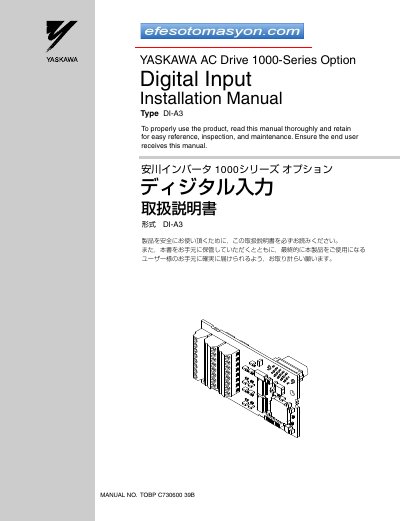
This manual provides installation instructions for the Yaskawa AC Drive 1000-Series Option Type DI-A3, a digital input option that allows users to set drive frequency or speed reference using binary coded digital inputs. The option supports 16-bit, 12-bit, and 8-bit BCD inputs with isolated +24 Vdc signals.
| Input Signal Type | Binary 16-bit, 4-digit BCD; Binary 12-bit, 3-digit BCD; Binary 8-bit, 2-digit BCD |
|---|---|
| Input Signal Voltage | 24 Vdc |
| Input Current | 8 mA |
| Ambient Temperature | -10 °C to +50 °C |
| Humidity | 95% RH or lower with no condensation |
| Storage Temperature | -20 °C to +60 °C |
| Altitude | 1000 m or lower |
A Phillips screwdriver (M3 metric / #1, #2 U.S. standard size), a straight-edge screwdriver, diagonal cutting pliers, and a small file or medium-grit sandpaper.
The length of wiring should be limited to under 50 m (164 ft.).
No, only one option (DI-A3, AI-A3, or SI-xx) can be connected to the drive at the same time.