
Key facts
- Brand
- YASKAWA
- Model
- DI-A3
- Category
- Industrial Supply
- Industry
- Industrial
- Documents
- 2
- Languages
- EN
- Last added
- 2026-11-12
Start here
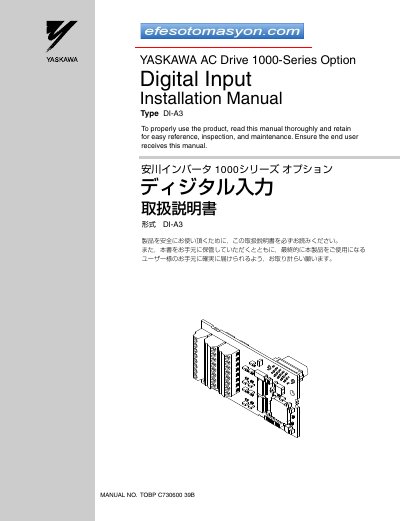
Yaskawa DI-A3 Digital Input Option Installation Manual
This manual provides installation instructions for the Yaskawa AC Drive 1000-Series Option Type DI-A3, a digital input option that allows users to set drive frequency or speed reference using binary coded digital inputs. The option supports 16-bit, 12-bit, and 8-bit BCD inputs with isolated +24 Vdc signals.
Read onlineYaskawa DI-A3 specifications
| Input Signal Type | Binary 16-bit, 4-digit BCD; Binary 12-bit, 3-digit BCD; Binary 8-bit, 2-digit BCD |
|---|---|
| Input Signal Voltage | 24 Vdc |
| Input Current | 8 mA |
| Ambient Temperature | -10 °C to +50 °C |
| Humidity | 95% RH or lower with no condensation |
| Storage Temperature | -20 °C to +60 °C |
| Altitude | 1000 m or lower |
Source: Yaskawa DI-A3 Digital Input Option Installation Manual
All Yaskawa DI-A3 documents by type
Mounting, wiring and first power-up. Read it before the hardware goes in.
Questions answered in these manuals
What tools are required to install the DI-A3 option?
A Phillips screwdriver (M3 metric / #1, #2 U.S. standard size), a straight-edge screwdriver, diagonal cutting pliers, and a small file or medium-grit sandpaper.
From: Yaskawa DI-A3 Digital Input Option Installation Manual
What is the maximum length for signal wiring to prevent noise interference?
The length of wiring should be limited to under 50 m (164 ft.).
From: Yaskawa DI-A3 Digital Input Option Installation Manual
What is the Yaskawa DI-A3 option used for?
It allows the user to set the drive frequency/speed reference using binary coded digital inputs.
From: Yaskawa DI-A3 Digital Input Option Installation Manual
Which drives can the DI-A3 option be used with?
A1000, L1000A, U1000, U1000L, GA700, GA800, CR700 and CH700 drives, all models.
From: Yaskawa DI-A3 Digital Input Option Installation Manual