
The Wacom Cintiq Companion user manual provides setup, pen and multi‑touch instructions, maintenance tips, and technical support details for the Windows 8…
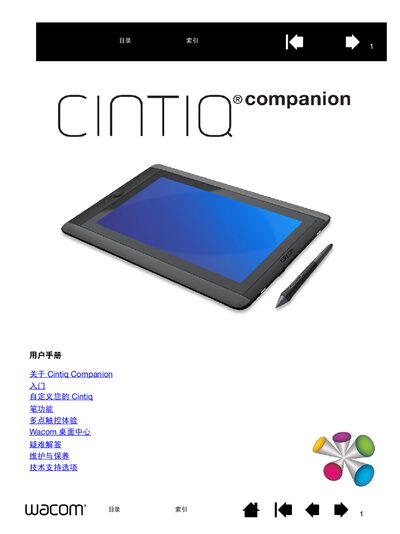
This manual covers everything you need to get started with the Wacom Cintiq Companion, a high‑performance mobile computer with pen and multi‑touch input. It includes sections on unpacking, hardware overview, operating system basics, battery management, and customizing pen and touch settings.
Additional chapters guide you through troubleshooting, maintenance, warranty information, and how to order parts and accessories. The document also explains the use of ExpressKey, ring keys, and screen controls for a personalized workflow. This manual is written in Chinese.
| Pressure sensitivity | 2048 levels |
|---|---|
| Video output | Mini DP connector |
| Card slot | Micro‑SD |
| USB ports | 2 |
| Speakers | 2 rear speakers |
| Microphones | 2 |
| GPS | Built‑in |
| Wi‑Fi | Supported |
The pen supports up to 2048 levels of pressure sensitivity.
The Cintiq Companion runs Windows 8.
Place the aluminum side of the stand down, insert the pull‑ring into the slot, and select one of the three tilt positions as described in the adjustment steps.
The Cintiq Companion provides two USB ports.