
This document is the User's Guide for the installation and hardware manual of Wacom Cintiq® 12WX (DTZ-1200W). It provides instructions and guidelines for installing and using the Cintiq 12WX.
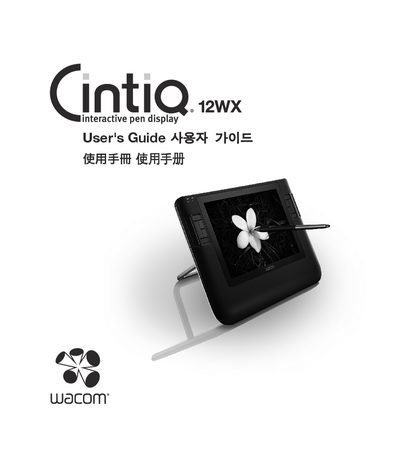
The guide explains how to install the Cintiq 12WX pen display as both a monitor and a tablet, covering hardware connections, driver installation, and configuration. It describes the display’s components, including the 12.1" TFT color screen and the battery‑free Grip Pen, and outlines the two‑stage installation process.
Safety and handling instructions are detailed, covering operating temperature and humidity limits, proper use of the power adapter and converter, cleaning methods, and disposal requirements. Warranty information and contact details for service are also provided.
| Display size | 12.1" wide format TFT color display |
|---|---|
| Operating temperature | 5° to 35°C |
| Operating humidity | 20% to 80% RH |
| Storage temperature | -10° to 60°C |
| Storage humidity | 20% to 90% RH |
You must install the Wacom pen tablet driver software for correct pen‑on‑screen functionality.
The product is for use with a DVI or VGA video card; using an inappropriate video card may damage the Cintiq.
The recommended operating range is 5° to 35°C and 20% to 80% relative humidity.