
Intuos4 User Manual is the user manual of Wacom commercial digital drawing board Intuos4, which mainly introduces the function and usage of Intuos4.
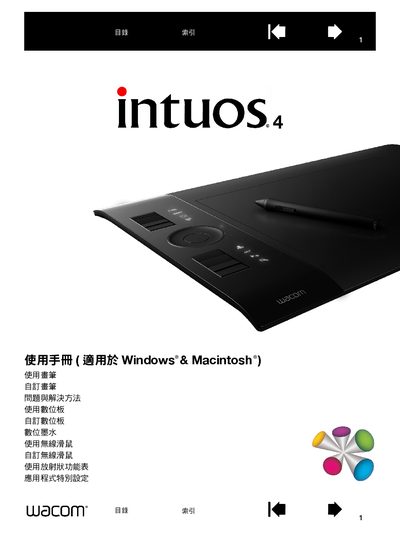
This manual guides users through the basic operation of the Intuos4 graphics tablet, covering hardware layout, input tools, and connection setup for Windows and Macintosh computers. It also explains how to customize brushes, quick‑keys, and tilt functions to suit personal workflow.
Additional sections cover testing the tablet, troubleshooting common issues, and detailed specifications for the various Intuos4 models and accessories. Warranty, service, and parts ordering information are provided at the end of the document. This manual is written in Chinese.
| Intuos4 S Model | PTK-440 |
|---|---|
| Intuos4 M Model | PTK-640 |
| Intuos4 XL Model | PTK-1240 |
| Intuos4 Brush Model | KP-501E |
| Intuos4 Mouse Model | KC-100 |
Warranty and service details are provided in the final sections of the manual.