
Introduction to the safety precautions for DTI-520(A)
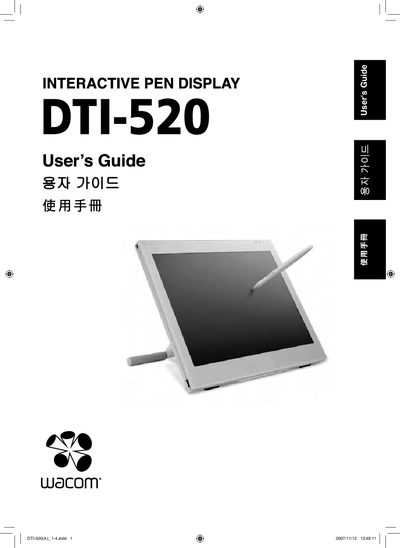
This guide begins with safety precautions, warning symbols, and handling instructions to prevent injury, fire, or damage to the DTI-520. It also covers proper cleaning, power‑adapter use, and environmental restrictions.
The manual then details component functions, stand adjustment, pen‑holder operation, driver installation for Windows and Macintosh, display settings, power‑saving features, and troubleshooting procedures for both the display and the pen. Warranty information and technical support contacts are provided at the end.
Do not use organic solvents such as alcohol; disconnect the USB connector before cleaning and avoid getting the product wet.
No, only the power adapters supplied with the product may be used; using other adapters may cause fire or product failure.