
The Wacom CTL-471 and CTL-671 user manual provides setup, customization, and troubleshooting instructions for these graphics tablets.
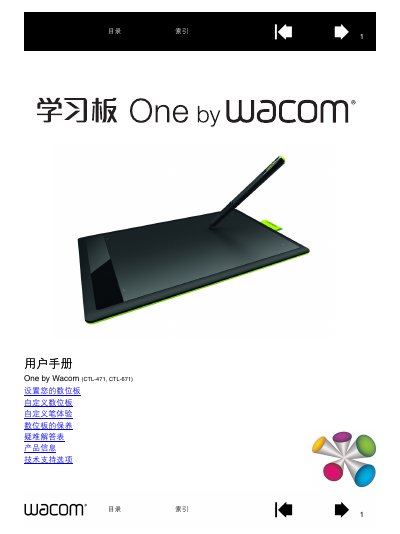
This manual guides users through installing and configuring the Wacom CTL-471 and CTL-671 graphics tablets. It covers initial setup, pen handling, ergonomics, tablet orientation, and multi‑monitor mapping, with detailed instructions for both Windows and Mac environments.
Additional sections explain how to customize pen buttons, adjust pressure sensitivity, maintain the device, replace pen tips, and resolve common issues. Technical support options and driver download information are also provided. This manual is written in Chinese.
Yes. In extended mode the tablet maps to the combined screen area; in mirror mode it maps to each monitor separately. Mapping can also be customized for a single monitor or a portion of a screen.