
Key facts
- Manuals
- 14
- Models
- 1
- Languages
- ZH · EN
- Last added
- 2026-10-01
Wacom models by category
Featured Wacom manuals
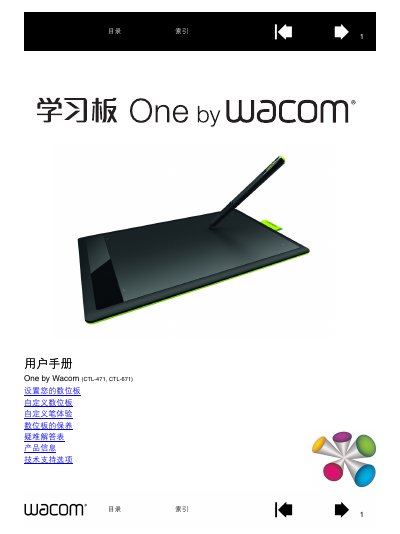
Wacom CTL-471/CTL-671 User Manual
This manual guides users through installing and configuring the Wacom CTL-471 and CTL-671 graphics tablets. It covers initial setup, pen handling, ergonomics, tablet orientation, and multi‑monitor mapping, with detailed instructions for both Windows and Mac environments.
Additional sections explain how to customize pen buttons, adjust pressure sensitivity, maintain the device, replace pen tips, and resolve common issues. Technical support options and driver download information are also provided. This manual is written in Chinese.
Covers: Introduction · Getting Started · Pen and Pen Insert · Setting Up Your Tablet · Ergonomics · Tablet Direction
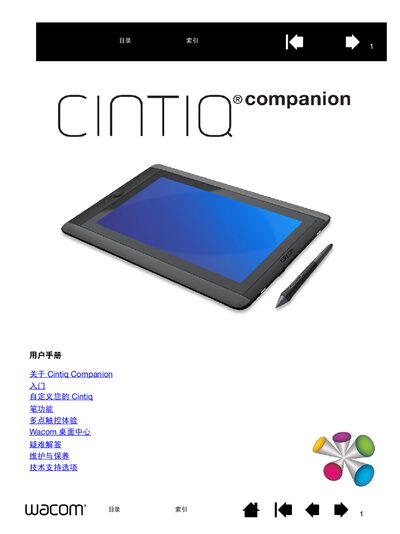
Wacom Cintiq Companion User Manual
This manual covers everything you need to get started with the Wacom Cintiq Companion, a high‑performance mobile computer with pen and multi‑touch input. It includes sections on unpacking, hardware overview, operating system basics, battery management, and customizing pen and touch settings.
Additional chapters guide you through troubleshooting, maintenance, warranty information, and how to order parts and accessories. The document also explains the use of ExpressKey, ring keys, and screen controls for a personalized workflow. This manual is written in Chinese.
Covers: About Cintiq Companion · Features · Parts and Accessories · Opening the Package · Front and Back Views · Adjusting the Stand
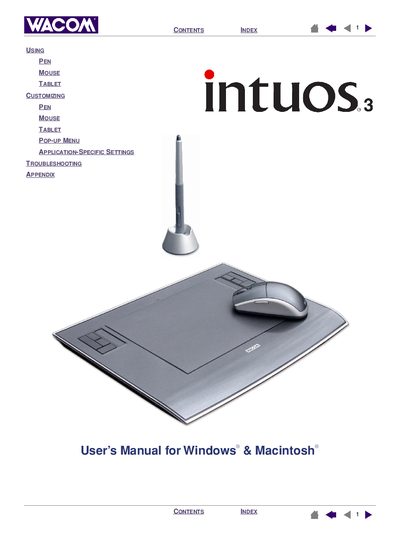
Wacom Intuos3 User Manual
This interactive User’s Manual introduces the Intuos3 professional pen tablet, covering its hardware features, included tools, and basic operation. It explains how to set up the work area, use the Grip Pen, mouse, Airbrush, and other input tools, and provides exercises for new users.
The manual also details customization options such as ExpressKeys, Touch Strips, and tablet settings, plus troubleshooting steps, warranty information, and a list of accessories and parts. Installation instructions are not included; refer to the Quick Start Guide for that.
Covers: About the manual · Navigating the manual · Working with Intuos3 · Customizing · Troubleshooting · Appendix
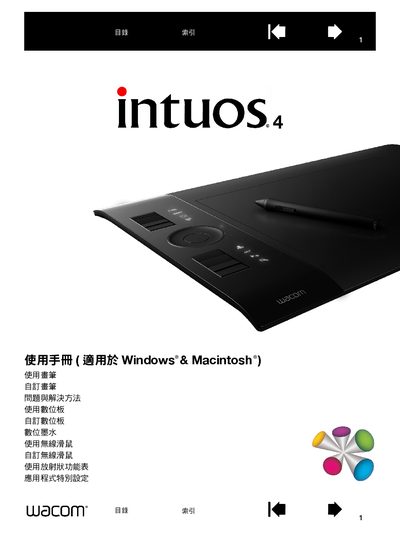
Wacom Intuos4 User Manual
This manual guides users through the basic operation of the Intuos4 graphics tablet, covering hardware layout, input tools, and connection setup for Windows and Macintosh computers. It also explains how to customize brushes, quick‑keys, and tilt functions to suit personal workflow.
Additional sections cover testing the tablet, troubleshooting common issues, and detailed specifications for the various Intuos4 models and accessories. Warranty, service, and parts ordering information are provided at the end of the document. This manual is written in Chinese.
Covers: Using Intuos4 · Intuos4 Appearance · Input Tools and Accessories · Customizing Brushes · Customizing Quick Keys · Testing the Tablet
Latest Wacom manuals
Wacom CTL-471/CTL-671 User Manual
User Manual 51 pages · 3.8 MB · ZHThe Wacom CTL-471 and CTL-671 user manual provides setup, customization, and troubleshooting instructions for these graphics tablets.
Wacom Cintiq Companion User Manual
User Manual 70 pages · 1.8 MB · ZHThe Wacom Cintiq Companion user manual provides setup, pen and multi‑touch instructions, maintenance tips, and technical support details for the Windows 8…
Wacom Intuos3 User Manual
User Manual 92 pages · 3 MB · ENThe Wacom Intuos3 User Manual provides setup, customization, and troubleshooting guidance for Windows and Macintosh users.
WACOM PL-720 Manual
WACOM BAMBOO MTE-450 Manual
Wacom Intuos4 User Manual
User Manual 101 pages · 3.6 MB · ZHThe Wacom Intuos4 user manual provides setup, customization, and troubleshooting instructions for Windows and Mac.
Wacom DTU-710 Handwrite LCD User Manual
User Manual 35 pages · 4.7 MB · ZHThe Wacom DTU-710 Handwrite LCD User Manual provides setup, safety, operation, and troubleshooting instructions for the tablet.
Wacom DTU-1931A Pen Display Installation Guide & User Manual
Installation Guide 55 pages · 1.6 MB · ENThe Wacom DTU-1931A pen display installation guide and user manual provides setup steps, safety precautions, specifications, and troubleshooting.
Wacom STU-500 LCD Signature Tablet User Manual
User Manual 56 pages · 1.3 MB · ENThe Wacom STU-500 LCD Signature Tablet User Manual provides setup, safety, handling, and maintenance instructions for the tablet.
Wacom DTU-2231A / DTU-1631 Liquid Crystal Digitizer User Manual
User Manual 83 pages · 2.8 MB · ZHThe Wacom DTU-2231A and DTU-1631 liquid‑crystal digitizer manual provides installation, usage, calibration and troubleshooting instructions.
Wacom DTU-2231A Liquid Crystal Digitizer Board User Manual
User Manual 80 pages · 2.4 MB · ZHThe Wacom DTU-2231A liquid crystal digitizer board user manual provides installation, setup, usage, and troubleshooting instructions.
Wacom Bamboo CTT460/CTL-460/CTL-660/CTH-460/CTH-461/CTH-661 User Manual
User Manual 87 pages · 4.2 MB · ENThe Wacom Bamboo user manual provides setup, customization, and troubleshooting instructions for all Bamboo tablet models.
WACOM DTI-520 Manual
Introduction to the safety precautions for DTI-520(A)
wacom CINTIQManual
This document is the User's Guide for the installation and hardware manual of Wacom Cintiq® 12WX (DTZ-1200W). It provides instructions and guidelines for installing and using the Cintiq 12WX.
Which document do I need?
User Manual
Day-to-day operation, settings and troubleshooting. Start here if the product is already set up.
Installation Guide
Mounting, wiring and first power-up. Read it before the hardware goes in.
Questions answered in Wacom manuals
Can the tablet be used with multiple monitors?
Yes. In extended mode the tablet maps to the combined screen area; in mirror mode it maps to each monitor separately. Mapping can also be customized for a single monitor or a portion of a screen.
How many pressure levels does the pen support?
The pen supports up to 2048 levels of pressure sensitivity.
What operating system does the Cintiq Companion run?
The Cintiq Companion runs Windows 8.
Which operating systems does the Intuos3 work with?
The manual’s information applies to both Windows and Macintosh computers.
Does this manual include installation instructions for the tablet?
No, installation is covered in the Quick Start Guide and the software installer on the tablet CD.
Where can I find warranty and service information for the Intuos4?
Warranty and service details are provided in the final sections of the manual.