
This manual provides installation and usage instructions for the Wacom Pen Display DTU-1931A.
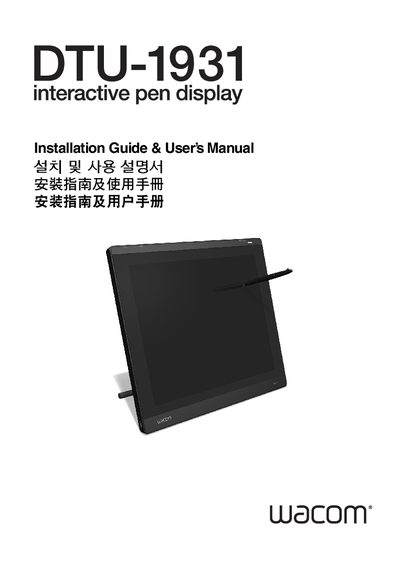
This manual explains how to install and use the Wacom DTU-1931A pen display, which combines a 19‑inch LCD with Wacom’s cordless, battery‑free pen technology. It covers hardware installation, driver setup, and basic operation of the display and pen tablet.
Key sections include safety precautions, detailed installation procedures for the LCD monitor and pen tablet, customization options via the on‑screen display, technical specifications, and troubleshooting for both display and pen issues.
| Physical dimensions (W x D x H) | 452.0 x 398.0 x 55.5 mm |
|---|---|
| Weight | 7.05 kg (15.5 lb) |
| Input voltage | 12 VDC |
| Power consumption | 37W or less |
| Operating temperature | 5° to 35°C, 20 to 80% RH |
| Screen size | 19.0 in diagonal |
| Resolution | 1280 x 1024 (SXGA) |
| Color depth | 16.7 million colors |
| Pen pressure levels | 512 levels |
The device operates at temperatures from 5 °C to 35 °C with 20 % to 80 % relative humidity.
The pen provides 512 pressure sensitivity levels.
Only the power adapter that came with the DTU-1931A should be used; other adapters may cause damage or void the warranty.
Set the video card to the DTU-1931A’s native resolution of 1280 × 1024 pixels (SXGA).