
This is a user manual of Wacom Bamboo digital board, which mainly introduces the configuration, usage and troubleshooting of the product.
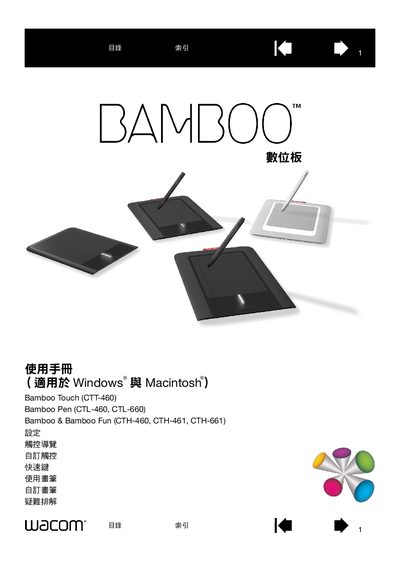
This manual covers the full range of Wacom Bamboo tablets, including Bamboo Touch (CTT460), Bamboo Pen (CTL‑460, CTL‑660) and Bamboo Fun (CTH‑460, CTH‑461, CTH‑661). It explains how to install drivers, configure pen and touch settings, and use quick‑key shortcuts on Windows and Macintosh computers.
The guide also includes detailed troubleshooting steps, testing procedures, and instructions for customizing brush behavior, pen pressure, and tablet orientation for single‑ or multi‑monitor setups.
| Bamboo Touch model | CTT460 |
|---|---|
| Bamboo Pen small model | CTL-460 |
| Bamboo Pen medium model | CTL-660 |
| Bamboo Fun small model | CTH-461 |
| Bamboo Fun medium model | CTH-661 |
| Pen for Bamboo Touch | LP-160E |
The Bamboo tablets work with Windows and Macintosh computers.
Quick‑key shortcuts can be customized in the Quick Keys settings section of the control panel.