
User's Manual for Windows & Macintosh, introduces the use of Wacom Intuos 3 products, including instructions, troubleshooting and settings.
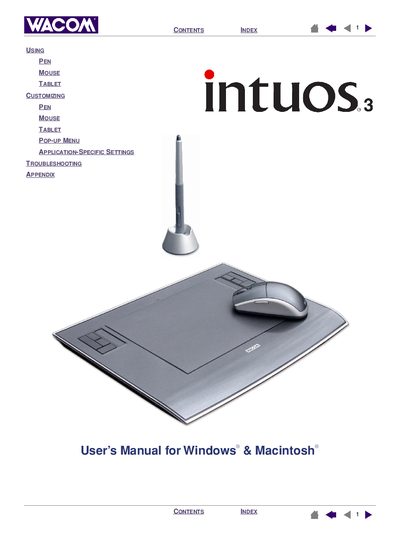
This interactive User’s Manual introduces the Intuos3 professional pen tablet, covering its hardware features, included tools, and basic operation. It explains how to set up the work area, use the Grip Pen, mouse, Airbrush, and other input tools, and provides exercises for new users.
The manual also details customization options such as ExpressKeys, Touch Strips, and tablet settings, plus troubleshooting steps, warranty information, and a list of accessories and parts. Installation instructions are not included; refer to the Quick Start Guide for that.
The manual’s information applies to both Windows and Macintosh computers.
No, installation is covered in the Quick Start Guide and the software installer on the tablet CD.
Wacom tablets should be recycled according to the EU WEEE directive and not placed in unsorted municipal waste.