
Quick start guide for installing and configuring the Ubiquiti UDIM-AC dimmer switch with UniFi LED panels.
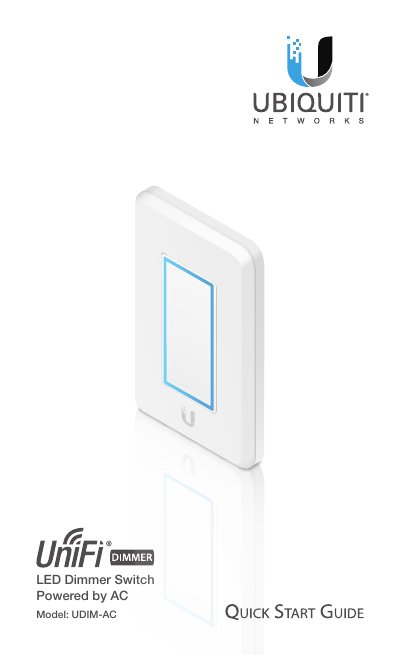
This guide walks you through installing the Ubiquiti UDIM-AC dimmer switch, including hardware setup and network requirements. It is intended for qualified electricians and includes safety warnings and pairing instructions. The switch connects to AC power and pairs automatically with compatible UniFi LED panels on the same Layer 2 network.
| Dimensions | 71 x 115 x 37.5 mm (2.80 x 4.53 x 1.48") |
|---|---|
| Weight | 125 g (4.41 oz) |
| Power Method | AC Input |
| Supported Voltage Range | 100-240VAC |
| Max. Power Consumption | 5W |
| Operating Temperature | 0 to 40° C (32 to 104° F) |
| Operating Humidity | 10 to 90% Noncondensing |
| Certifications | CE, FCC, IC |
The UDIM-AC must be installed by a qualified electrician in accordance with local electrical codes and regulations.
Go to the Pairing with Specific LED Panels section in the guide to manually pair the dimmer with specific panels.
The maximum power consumption is 5W.