
The TSC M23 portable thermal barcode printer user manual provides product overview, installation, operation, troubleshooting, and maintenance instructions.
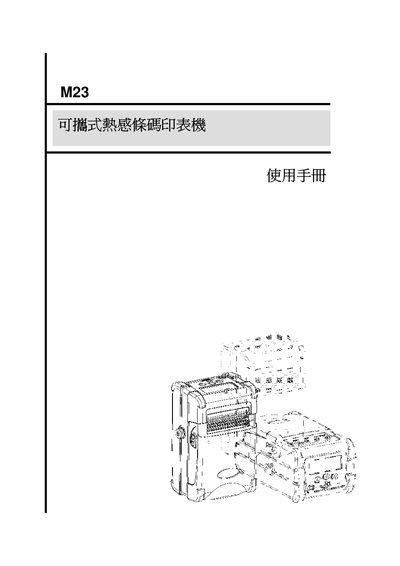
This manual introduces the TSC M23 portable thermal barcode printer, describing its features, supported media types, and optional wireless modules. It includes detailed steps for installing the rechargeable battery, attaching the carrying strap, loading various label papers, and connecting accessories such as RS‑232 and USB ports.
The guide also covers panel operation, built‑in functions like printer setup, sensor configuration, and power management, as well as troubleshooting tips, routine maintenance, firmware updates, and safety precautions to ensure reliable performance in portable environments. This manual is written in Chinese.
| Display | LCD |
|---|---|
| Battery | Rechargeable lithium |
Open the paper roll cover, turn the side levers, and insert the battery into the position shown in the diagram.
Verify that all components and power cables are intact and not damaged before cleaning.