
Philips XL390/XL395 telephone user manual with safety instructions, setup steps, call functions, settings and technical data.
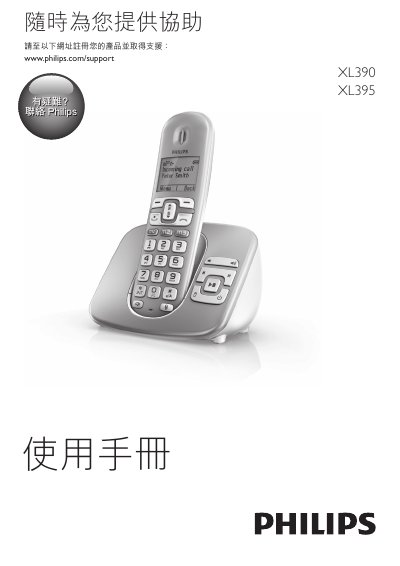
This manual provides safety guidelines, an overview of the handset and base, and detailed instructions for connecting the base, installing the handset, and registering the device. It also covers how to charge the handset, check battery level, and adjust settings such as language, display brightness, and ECO mode.
The document includes sections on making and receiving calls, handling dual‑call and multi‑party calls, using the intercom, managing the phonebook, call logs, alarms, voicemail, and network services. A troubleshooting FAQ and technical specifications are provided at the end. This manual is written in Chinese.
| Power Supply | 100‑240 V AC |
|---|---|
| Operating Temperature | 0 °C to +40 °C (RH <90 %) |
| Storage Temperature | -20 °C to +45 °C (RH <95 %) |
Make sure the battery is correctly installed and the handset is properly placed on the charger; clean the charging contacts if needed.
Select “設定顯示語言” in the phone settings menu to change the language.
Ensure the handset is within range of the base and check that the base is properly connected to power and the telephone line.