
Quick start guide for the Philips VTR6200 voice recorder, covering basic operation, recording settings, and how to access the full manual.
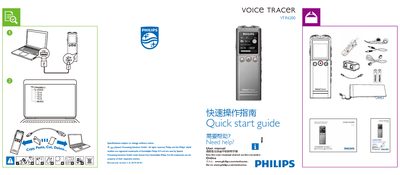
This Quick Start Guide provides the essential steps to get the Philips VTR6200 voice recorder up and running. It points users to the full user manual and online support for more detailed instructions.
The guide lists the available recording quality options, timer settings, language choices, backlight duration, and auto‑off functions, allowing users to quickly configure the device for their needs. This manual is written in Chinese.
| Recording quality options | PCM, RNC, HQ, SP, SLP |
|---|---|
| Maximum recording length | 30 min, 60 min, 12 h, 24 h |
| Record timer presets | 0 min, 30 min, 60 min, 120 min |
| Supported languages | Simplified Chinese, Traditional Chinese, English |
| Backlight duration options | 15 s, 30 s, 45 s, 60 s |
Select the desired quality (PCM, RNC, HQ, SP, or SLP) from the Quality Settings menu.
You can record up to 30 min, 60 min, 12 h, or 24 h depending on the selected mode.
Select Simplified Chinese, Traditional Chinese, or English from the Language menu.