
The Philips VTR840 user manual provides setup, operation, safety notes, troubleshooting and technical specifications for the audio/video recorder.
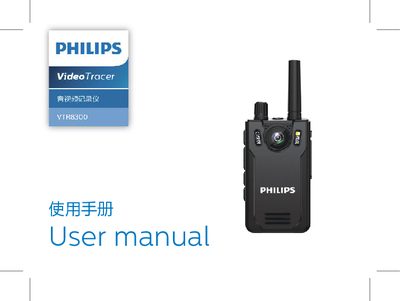
This manual introduces the Philips VTR840 audio/video recorder, highlighting its one‑key recording, video, playback and built‑in intercom functions. It guides users through safety precautions, charging, and basic operation such as powering on, switching modes, and using the USB interface.
Detailed sections cover recording, video capture, photo mode, voice playback, intercom settings, and a comprehensive FAQ. The technical parameters list storage options, dimensions, supported operating systems, audio quality, and environmental limits. This manual is written in Chinese.
| External storage capacity (recording time) | ≈86 hours for 16 GB |
|---|---|
| Maximum external storage card | 128 GB |
| Internal storage type | C10 TF card |
| Dimensions (W×H×D) | 58 mm × 100 mm × 26 mm |
| Weight (with battery) | 203 g |
| Supported operating systems | Windows, macOS, Linux |
| High‑quality audio bitrate | 1536 kbps WAV |
| Operating temperature range | -30 °C to +55 °C |
| Relative humidity range | 10 % – 90 % (non‑condensing) |
Press and hold the power key for 3 seconds to turn the device on; press and hold the same key for 3 seconds to turn it off.
The recorder supports external memory cards up to 128 GB.
Do not use earphones while driving a car, riding a bicycle, or skateboarding, and keep the volume at a safe level.