
The Philips 273V5 monitor user manual provides safety guidelines, installation steps, operation instructions, image optimization, technical specifications…
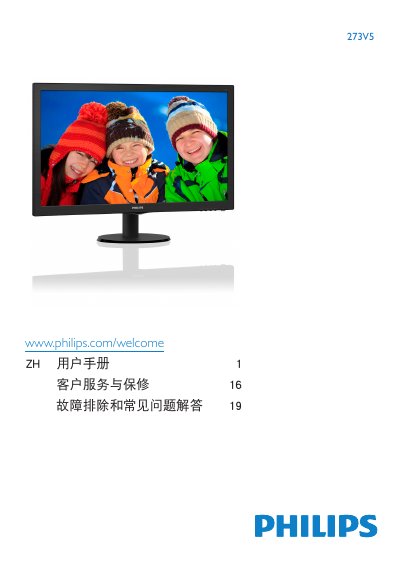
This manual begins with important safety information and detailed installation instructions, including how to set up the monitor on its base, connect cables, and adjust the stand. It also covers proper handling, cleaning, and environmental conditions for safe use.
The second part explains how to operate the monitor, adjust image settings, use the OSD menu, and optimize picture quality. Technical specifications, power consumption, and troubleshooting tips are included, along with warranty and service contact details. This manual is written in Chinese.
| Panel type | TN-LCD (273V5L); MVA LCD (273V5Q) |
|---|---|
| Screen size | 27" (68.6 cm) |
| Native resolution | 1920 × 1080 @ 60 Hz |
| Contrast ratio | 10,000,000:1 |
| Response time | 5 ms (typical) |
| Refresh rate range | 56 Hz – 76 Hz |
| Typical power consumption | 29.10 W |
| Viewing angle | 170° (H) / 160° (V) |
Use the native resolution of 1920 × 1080 @ 60 Hz for best performance.
Enable the screen‑saver and the periodic screen‑refresh program to avoid static images that cause burn‑in.
The recommended refresh rate is 60 Hz, though you can increase it to 75 Hz to check for interference.