
The Philips E Line 279E2 monitor user manual provides setup, safety, image optimization, specifications and troubleshooting guidance.
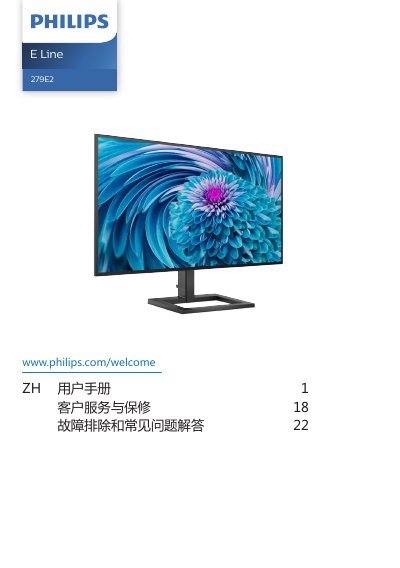
This manual covers important safety measures, proper installation, and operation of the Philips E Line 279E2 LCD monitor. It includes instructions for mounting, cable connections, OSD navigation, and recommended usage practices to protect the display.
Technical specifications, power management details, warranty information, and a comprehensive troubleshooting and FAQ section are also provided, helping users resolve common issues such as image retention, audio problems, and resolution settings. This manual is written in Chinese.
| Panel type | IPS |
|---|---|
| Screen size | 27" (68.6 cm) |
| Resolution | 3840 × 2160 @ 60 Hz |
| Contrast ratio (typical) | 1300:1 |
| AMD FreeSync | Supported |
| Inputs | HDMI 2.0, DisplayPort 1.2, USB‑C (65 W) |
| Typical power consumption | 43 W |
Use the Windows Display settings or the monitor’s OSD menu to select the desired resolution, preferably 3840 × 2160 for optimal performance.
Wipe the screen with a dry soft cloth; for deeper cleaning, use a slightly damp cloth with isopropyl alcohol, avoiding organic solvents like acetone.