
The manual provides warranty details, usage instructions, specifications, charging steps, DPI indicator colors and safety notes for the Philips SPK9417…
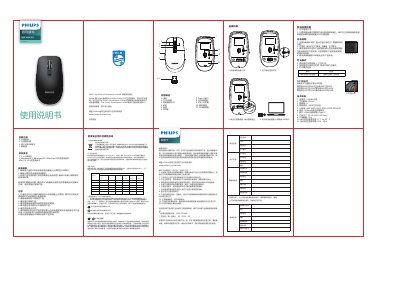
The Philips SPK9417 is a 2.4 GHz wireless gaming mouse featuring six programmable buttons, DPI settings from 800 to 5000, RGB lighting and a Type‑C charging port. It includes a USB receiver, low‑battery indicator and a high‑precision optical sensor.
This user manual covers warranty information, how to connect the receiver, charging procedures, DPI indicator meanings, lighting modes, safety precautions, troubleshooting tips and the full technical specifications of the mouse. This manual is written in Chinese.
| Connectivity | 2.4 GHz wireless |
|---|---|
| Working distance | ≈10 m |
| Button lifespan | 20 million clicks |
| Resolution (DPI) | 800‑1600‑2000‑3000‑4000‑5000 DPI |
| Battery | 500 mAh polymer lithium |
| Interface | USB wireless receiver + Type‑C |
| Dimensions | 113.0 × 64.0 × 35.5 mm |
| Weight | 90 g |
| Operating temperature | 0 °C – 40 °C |
| Operating humidity | 10 % – 85 % |
Connect the mouse to a computer’s USB port using the supplied Type‑C cable; the red LED will stay solid while charging and turn off when fully charged.
Green indicates 800 DPI, red 1600 DPI, blue 2000 DPI, yellow 3000 DPI, cyan 4000 DPI, and purple 5000 DPI.
The product is covered by a one‑year warranty from the date of purchase for hardware defects.