
The Philips 275M2 monitor user manual provides safety instructions, setup steps, image optimization, specifications and troubleshooting guidance.
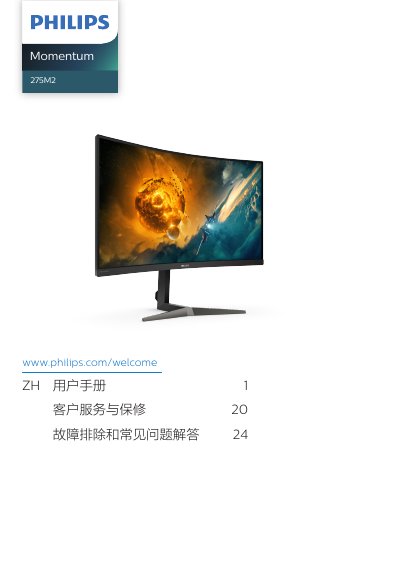
This manual covers important safety measures, installation, and operation of the Philips 275M2 curved monitor. It explains how to mount the base, connect power and video cables, and use the on‑screen display (OSD) for adjustments.
The guide also details image‑enhancement features such as SmartImage, HDR, and AMD FreeSync Premium, lists full technical specifications, and offers troubleshooting tips and warranty information. This manual is written in Chinese.
| Panel type | VA |
|---|---|
| Backlight | W‑LED |
| Screen size | 27" (68.6 cm) |
| Aspect ratio | 16:9 |
| Contrast ratio (typical) | 2500:1 (CRP) / 3000:1 (CRZ) |
| Recommended resolution | 2560 × 1440 @ 60 Hz |
| Color gamut | sRGB |
| Input ports | HDMI 2.0 × 2, DisplayPort 1.4 × 1, Audio out, Kensington lock |
| Typical power consumption | 43 W |
Make sure the power cable is plugged into both the outlet and the monitor, the monitor power button is on, the computer is powered, and the video cable is securely connected; also check that the cable is not damaged.
Use a clean, soft dry cloth for regular cleaning; for detailed cleaning use isopropyl alcohol, and avoid solvents such as ordinary alcohol, ethanol, acetone or hexane.
Static images displayed for long periods can cause ghosting; enable the screen‑saver or periodic refresh program to avoid it, and power off the monitor when not in use.
Yes, the Philips 275M2 monitor is compatible with PC, Mac and workstations; a cable adapter may be required for Mac connections.