
The Philips EasyKey 7000/7300 smart lock user manual provides installation steps, setup instructions, usage guide, and maintenance information.
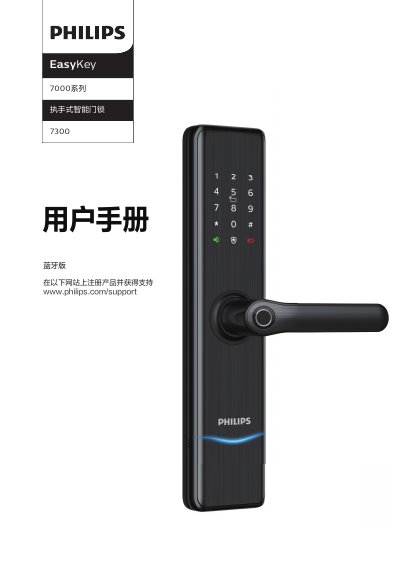
This manual explains how to install the EasyKey 7000/7300 smart lock, including selecting the correct door thickness (60‑90 mm), adjusting the lock direction, and securing all hardware. Detailed diagrams show the inner and outer panels, battery compartment, and mounting screws.
It also covers configuring passwords, fingerprint, card and Bluetooth settings, using the lock in indoor and outdoor modes, and troubleshooting common issues such as low‑battery alerts and emergency power usage. Battery replacement procedures and environmental disposal guidelines are included.
| Power source | 4 x AA alkaline batteries |
|---|---|
| Extended battery capacity | Up to 8 AA batteries can be installed |
| Supported door thickness | 60‑90 mm |
| Low battery indicator | LED low‑battery warning light |
Open the battery cover on the inner panel by pressing the top button, then remove the old batteries and insert new AA alkaline cells.
Loosen the orientation screw, rotate the handle 180°, adjust the slanted latch and re‑tighten the screw on the inner side of the door.