
Philips TAT2205 Bluetooth wireless earbuds user manual with safety info, pairing steps, operation guide, LED indicators and technical specs.
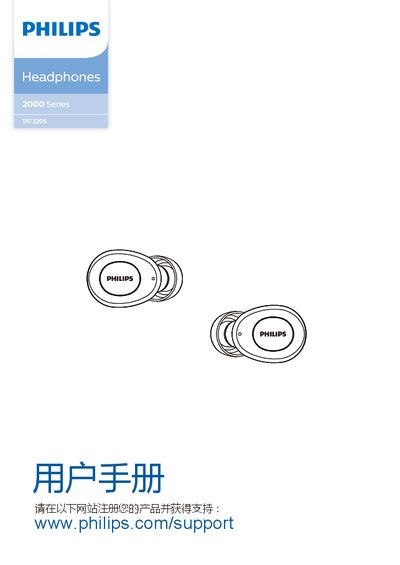
This manual provides safety instructions, a quick start guide, and detailed usage steps for the Philips TAT2205 Bluetooth wireless earbuds. It covers charging procedures, first‑time pairing, normal operation, and how to reset the earbuds to factory settings.
The document also lists the technical specifications, LED indicator meanings, and answers common questions about connectivity, battery life, and troubleshooting. All information is presented in Chinese and includes references to Philips support resources. This manual is written in Chinese.
| Music playback time | 3.5 h (up to 9 h with case) |
|---|---|
| Call time | 3.0 h (up to 7 h with case) |
| Standby time | 60 h |
| Charging time (earbuds) | 1.5 h |
| Battery capacity (each earbud) | 40 mAh |
| Bluetooth version | 5.0 |
| Supported audio codec | SBC |
| Frequency range | 2.4 GHz |
| Transmit power | < 4 dBm |
| Operating range | 10 m (33 ft) |
| Charging case charging time | 2 h |
Place the earbuds back in the charging case, then press and hold the multifunction buttons on both earbuds for 5 seconds until the blue LED flashes three times; this clears the pairing data.
The earbuds can store one paired device; if you try to pair a second device, the newest pairing replaces the previous one.