
The Philips 55BDL4107X/55BDL4105X user manual provides safety instructions, installation steps, operation guidance, OSD menu details, connectivity options…
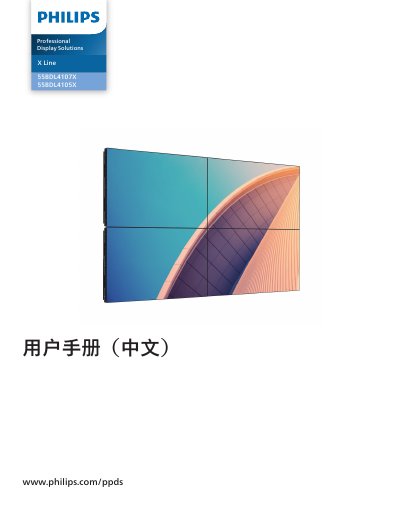
This manual covers safety precautions and unboxing instructions for the Philips 55BDL4107X/55BDL4105X professional display, including proper ventilation, power‑line handling, and recommended installation methods such as wall‑mounting and edge‑alignment kits.
It also explains how to operate the monitor, use the remote control, navigate the OSD menus, select input sources, and maintain the unit. Technical specifications, pixel‑defect policies, cleaning procedures, and troubleshooting tips are provided to ensure reliable performance in commercial environments. This manual is written in Chinese.
| Screen size (effective area) | 54.6 inches (138.7 cm) LCD |
|---|---|
| Aspect ratio | 16:9 |
| Resolution | 1920 × 1080 (Full HD) |
| Pixel pitch | 0.63 mm (H) × 0.63 mm (V) |
| Color depth | 10‑bit, 10.7 billion colors |
| Typical brightness | 700 cd/m² |
| Typical contrast ratio | 1100:1 |
| Viewing angle | 178° |
| Speaker output | External 10 W (L) + 10 W (R) RMS/8Ω |
| HDMI inputs | 2 × HDMI Type‑A |
It includes two HDMI Type‑A ports for video and audio input.