
The Philips S220E2 Smart All-in-One User Manual provides safety guidelines, setup, operation, image optimization, specifications, and troubleshooting.
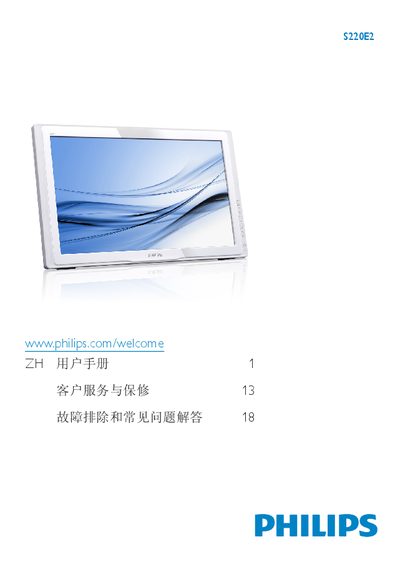
This manual begins with safety precautions for the Philips S220E2 Smart All-in-One, covering proper installation, cleaning, and electrical requirements. It then guides users through setting up the device, connecting to PC or Wi‑Fi, and adjusting the screen angle and on‑screen display (OSD) settings.
Subsequent sections describe image‑optimization features, detailed technical specifications, power‑management options, warranty information, and a comprehensive troubleshooting and FAQ section to help resolve common issues. This manual is written in Chinese.
| Panel Size | 21.5 inches |
|---|---|
| Response Time (typical) | 5 ms |
| Brightness | 250 cd/m² |
| Viewing Angle | 170° (H) / 160° (V) |
| Color Depth | 16.7 million colors |
| Audio Output | 2.0 W × 2 |
| USB Ports | USB 2.0 × 4 |
| Memory Card Slot | SDHC |
| Wireless | 802.11b/g/n (Wi‑Fi dongle included) |
| Typical Power Consumption | 25.94 W |
| Maximum Power Consumption | 47.26 W |
| Standby Power | 1 W (typical) |
| Dimensions (with stand) | 551 mm × 330 mm × 54 mm |
| Weight (with stand) | 3.44 kg |