
The Philips 27M1N5500Z/27M1N5500ZA monitor user manual provides setup, operation, image optimization, specifications, and troubleshooting guidance.
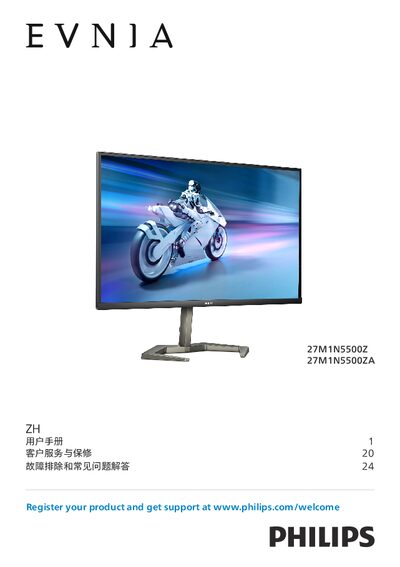
This user manual explains how to install, configure, and safely use the Philips 27M1N5500Z/27M1N5500ZA 27‑inch monitor. It includes safety warnings, disposal information, and detailed instructions for mounting, connecting cables, and adjusting the on‑screen display (OSD).
The guide also covers image‑enhancement features such as SmartImage, HDR, AMD FreeSync™ Premium, NVIDIA® G‑SYNC® Compatibility, and power‑management settings, followed by a full technical specification table and a troubleshooting/FAQ section for common issues. This manual is written in Chinese.
| Panel Type | IPS |
|---|---|
| Screen Size | 27" (68.5 cm) |
| Native Resolution | 2560 × 1440 |
| Refresh Rate (HDMI) | 144 Hz |
| Refresh Rate (DisplayPort) | 170 Hz |
| Contrast Ratio (typical) | 1000:1 |
| Viewing Angle (typical) | 178° H / 178° V |
Set the monitor to its native resolution of 2560 × 1440, adjust the refresh rate to 60 Hz (or up to 75 Hz if needed), then reconnect the PC and power on the monitor.
The recommended refresh rate is 60 Hz, but you can increase it to 75 Hz to check for interference.
Use a dry soft cloth for regular cleaning; for detailed cleaning, use isopropyl alcohol and avoid ordinary alcohol, ethanol, acetone, or other solvents.
Do not tilt the monitor downward more than –5°, and avoid pressing on the screen while adjusting the angle.